

Novoresume Turns 10: How to Judge ATS Resume Templates in 2026
A recruiter-reviewed resume template isn't a hiring guarantee. Here's how to test readability, strengthen your evidence and choose the right CV format.

A resume template can tidy up your experience. It can’t make weak evidence persuasive—or guarantee that an ATS will read everything correctly. The reported Novoresume anniversary update puts a useful question back on the table: when a builder says its templates are recruiter-reviewed and rebuilt for applicant tracking systems, what should you actually check before applying?
For job seekers in Australia, Canada, New Zealand, England, Ireland, Scotland and the USA, the answer isn’t to chase a magical template. It’s to choose a readable format, test the finished file and show why your experience fits the job. Attractive is good. Useful is better.
What the Novoresume announcement actually tells you
The supplied HRTech Series headline, “Novoresume Resume Templates Turn 10: Rebuilt for ATS in 2026 and Reviewed by 14 Recruiters”, reports a tenth anniversary, an ATS-focused rebuild and input from 14 recruiters. Those are headline-level claims, not results from an independently verified hiring experiment.
The available source material doesn’t explain which systems were tested, what the reviewers assessed or whether candidates secured more interviews. That matters. A recruiter can offer valuable feedback on readability without proving that every exported template works equally well in every employer’s software.
| Reported detail | Figure or date | What it establishes |
|---|---|---|
| Template anniversary | 10 years | Reported product milestone |
| Recruiter review group | 14 recruiters | Reported reviewer count |
| ATS rebuild | 2026 | Reported update year |
| Supplied publication date | 7 October 2026 | Date attached to the listing |
Treat these details as a reason to inspect the product, not a reason to stop checking your own application. There’s no verified interview uplift or parsing success rate in the supplied excerpt.
A template’s age tells you little about its suitability for your next role. The useful questions are simpler: does it preserve your information, make your strongest evidence visible and meet the employer’s submission requirements?
Choose resume templates for readability, not promises
An applicant tracking system is software employers use to manage applications. Parsing—the extraction of information from a document—is one part of that workflow. Screening decisions can also involve application answers, employer-configured criteria and human review. Don’t confuse those processes with a universal robot giving every resume the same score.
Start with the employer’s instructions. If the application asks for a particular file type, use it. Don’t assume PDF is always preferred, or that a Word document is automatically safer.
For an ordinary application, a straightforward single-column resume template is a sensible starting point. Clear headings, selectable text and a predictable reading order reduce unnecessary complexity. That isn’t a certification; it’s practical risk reduction.
Keep your name and contact details in the main document rather than relying on a decorative header. Use familiar headings such as Experience, Education and Skills. Avoid making icons, charts or images the only place where important information appears.
Our guide to what makes an ATS-friendly resume explains the distinction between machine-readable formatting and persuasive content. You need both.
Before you choose a template
Resume and CV terminology varies across these markets. Follow the wording in the vacancy, and check whether the employer wants a standard job-application document or a more detailed academic CV. The label alone doesn’t tell you the required length or content.
Test your finished resume before sending it
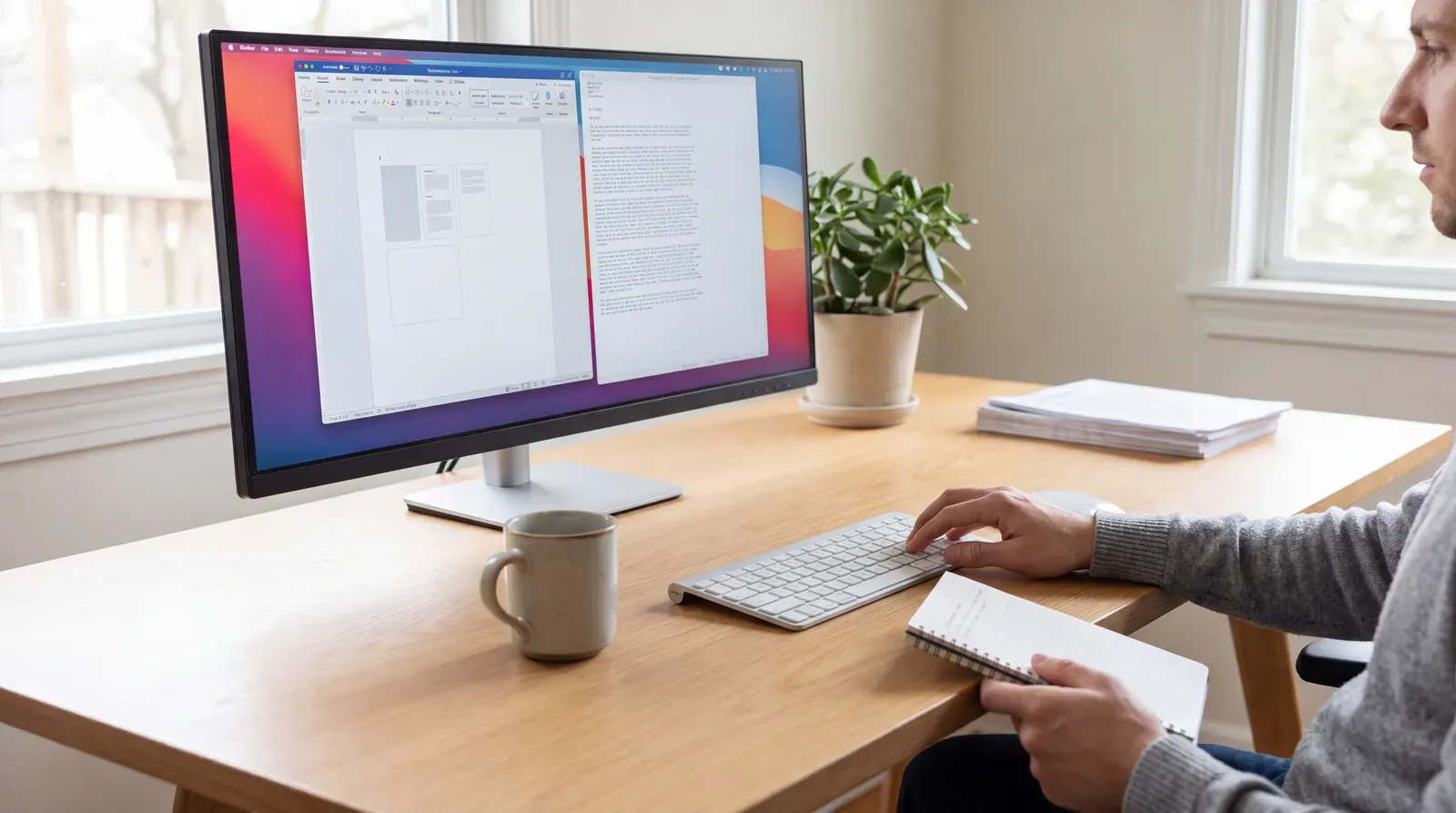
A beautiful preview isn’t the file a recruiter receives. Export your document and inspect that version. Look for clipped lines, missing characters, broken links and awkward page breaks.
Then copy its text into a plain-text editor. Does your name appear first? Are job titles next to the right employers? Do dates stay attached to the correct roles? If the reading order becomes scrambled, simplify the layout and test again.
This is a useful diagnostic, not a simulation of every ATS. A file passing your copy-and-paste check doesn’t prove universal compatibility. It does help you catch obvious problems before an employer sees them.
Check the file you'll actually submit
Export in the requested format
Use the file type specified in the application instructions.
Inspect the document visually
Check page breaks, contact details, dates and any links.
Check the extracted text
Copy the text into a plain-text editor and inspect its order and completeness.
Review application fields
Where the portal shows extracted information, correct missing or misplaced details before submitting.
Save a clearly named final version. When uploading it, check the filename and preview again. Boring? Absolutely. Better than sending last month’s application to this month’s employer? Also absolutely.
For more on what happens after submission, see how an ATS filters resumes. Avoid treating every rejection as proof of a formatting failure: role fit, eligibility and competition can matter too.
Make the content stronger than the template
Once the document is readable, move to the harder question: what does it prove?
Compare the vacancy with your experience. Identify the skills and responsibilities you genuinely match, then use the employer’s terminology where it’s accurate. If you used a named tool, say so. If you haven’t, don’t add it because a keyword checker wants company.
Replace vague duties with evidence. “Managed customer enquiries” describes an activity. A stronger version explains the type of enquiries, your responsibility and the outcome you can substantiate. Add a measurable result when you have records to support it; otherwise, describe scope or a concrete improvement without inventing a percentage.
New entrants can use relevant projects, placements, volunteering or coursework. Career changers can highlight transferable outcomes while explaining the context. Experienced applicants can give recent, relevant work more space without rewriting their career history into fiction.
The supplied Nine.com.au headline, “‘What do you mean I need to Botox my CV?’: Older Australians being rejected for jobs by AI”, raises concerns about older applicants and automated hiring. The available excerpt doesn’t establish a rejection rate or prove that a particular template causes discrimination. It does reinforce a sensible distinction: editing for relevance isn’t the same as disguising who you are.
Keep claims accurate. Don’t falsify dates, qualifications or experience to satisfy supposed ATS rules. Your resume should survive a conversation, not just an upload.
Keep a submission file and a shareable CV

PDFs aren’t disappearing because we find them absurd. Some employers still require a document upload, and following that requirement is part of applying well. But a static file doesn’t have to be your entire professional introduction.
A Wipperoz virtual CV combines a short intro video with a structured profile and one-link sharing. That gives you another format for networking or conversations where a link is welcome. It isn’t a substitute for a required application attachment, and it doesn’t guarantee preferential screening.
You can also ask someone to review your profile through a commenting link. Wipperoz’s CV feedback comments are private to the owner and people holding that link. Its “Find numbers to add” feature flags achievements that could use measurable evidence and asks you for the figure—it doesn’t invent one.
The broader argument in 10 Resume Trends for 2026: The CV Is Becoming a Proof System is worth keeping in mind: presentation should help people inspect your evidence, not distract them from its absence.
Choose the template that makes your experience easy to understand. Test the file. Then give people a useful way to meet the person behind it. Sign up for free with Wipperoz and aim to have your virtual CV ready in five minutes, with your experience and a short introduction prepared.
Common Questions
Does recruiter-reviewed mean a resume template will pass every ATS?
No. Recruiter feedback may help readability, but it doesn't establish compatibility with every system or guarantee an interview. Check the employer's instructions and test your exported file.
Should I submit my resume as a PDF or Word document?
Use the format the employer requests. If both are accepted, check your chosen export for readable text, correct layout and accurate information in any fields the application portal populates.
How can I check whether my resume text is readable?
Copy the exported document's text into a plain-text editor and check its completeness and reading order. This can reveal obvious problems, but it isn't a guarantee that every ATS will parse the file correctly.
Can a virtual CV replace a required resume attachment?
Not when the employer requires an attachment. Submit the requested document and share your virtual CV where an additional link is permitted or useful.
If you're comparing resume formats, explore video resume builder in Australia.
Ready to create your Virtual CV?
Join the people who stopped sending PDF resumes and started being seen.