Free ATS-Friendly Resume Template (Use It in Minutes)
Most resumes are read by software before they're read by a person. An ATS-friendly resume template makes sure yours survives that first read — clean structure, standard headings, and formatting that parses perfectly every time.

Most resumes are read by software before they’re read by a person. An ATS-friendly resume template makes sure yours survives that first read — clean structure, standard headings, and formatting that parses perfectly every time. Pick one of the templates below, sign up free, and start editing in Wipperoz right away. No downloads, no broken formatting.
1. What Is an ATS-Friendly Resume Template?
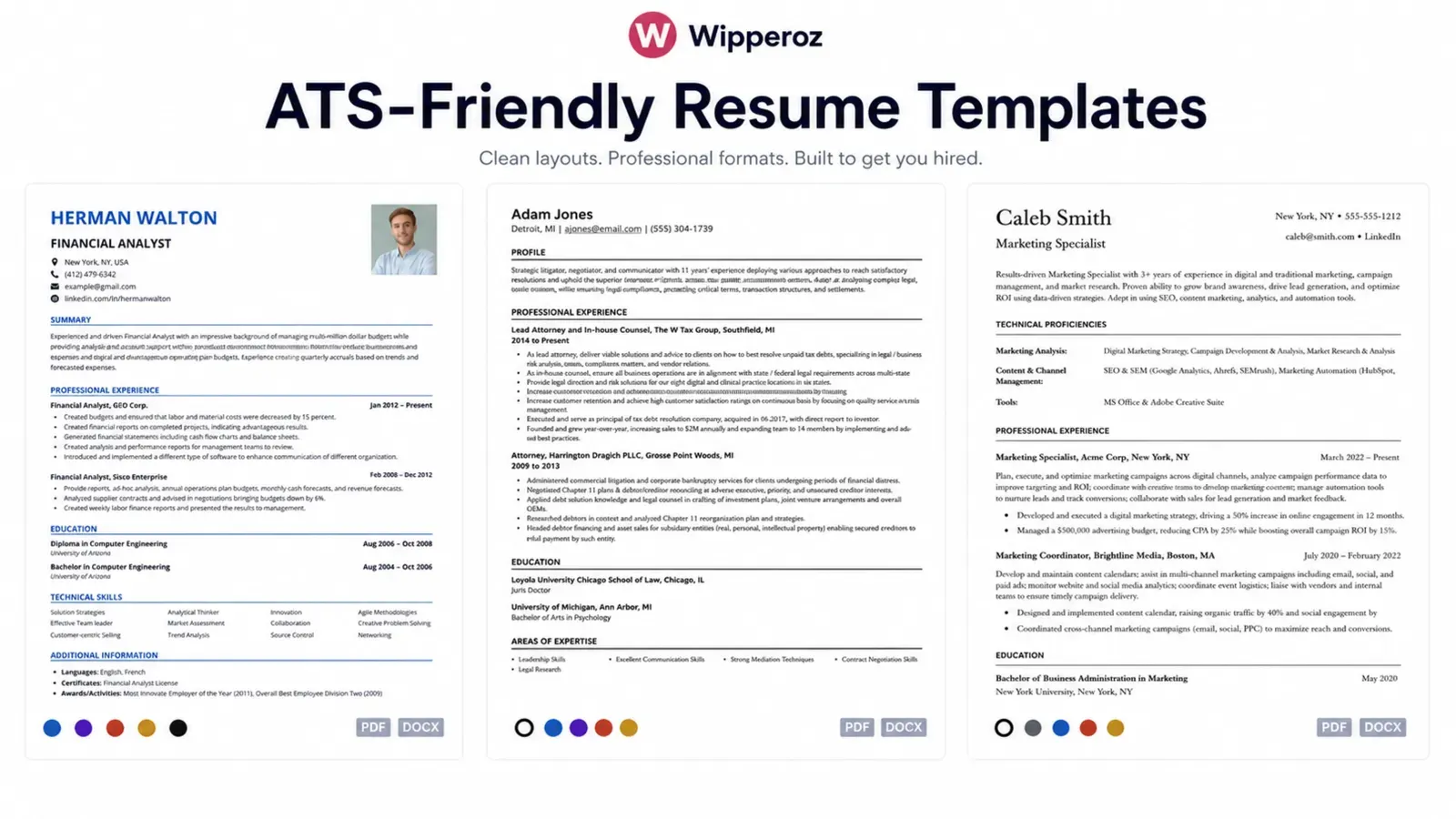
An ATS-friendly resume template is a resume layout built so applicant tracking systems can read every word without errors. It uses a single column, standard fonts, and five sections in a fixed order: a header with contact details, a professional summary, work experience, skills, and education.
That’s the whole formula. An ATS (applicant tracking system) is the software employers use to collect, parse, and rank incoming resumes. When your resume is parsed cleanly, recruiters see your full experience and your keyword matches count. When it isn’t, sections vanish, dates scramble, and a strong candidate looks like a blank file.
The templates inside Wipperoz follow this structure by default — you can’t accidentally break them.
2. What Makes a Resume Template ATS-Friendly (and What Breaks It)
ATS parsers are literal. They read top to bottom, left to right, and expect resumes to look like resumes. Follow these rules and your template will parse cleanly in every major system:
| Do this | Never do this |
|---|---|
| Single-column layout | Two-column or sidebar layouts |
| Standard resume fonts: Arial, Calibri, Georgia (10.5–12pt) | Decorative or script fonts |
| Standard headings: “Work Experience,” “Skills,” “Education” | Creative headings like “My Journey” or “Toolbox” |
| Contact details in the body of the document | Contact details inside a header or footer |
| Plain round or square bullet points | Icons, emojis, star ratings, skill bars |
| Reverse-chronological work history with clear dates (MM/YYYY) | Dates in unusual formats or buried in prose |
| .docx, or a simple text-based PDF | Scanned PDFs, images of text, Canva exports with layers |
| Plain text throughout | Tables, text boxes, graphics, photos, charts |
Two of these cause the most silent failures. Tables and text boxes scramble reading order — the parser jumps between cells and reconstructs your history out of sequence. Headers and footers are skipped entirely by many systems, which means if your phone number lives there, the recruiter has no way to call you.
A quick note on file format, since it’s the most-asked question: .docx is the safest universal choice. Modern ATS platforms handle text-based PDFs well, but older systems still stumble. If the job posting specifies a format, follow it exactly.
3. ATS Resume Templates by Situation
The right ATS friendly resume template depends on where you are in your career. Every Wipperoz template below is single-column and parser-safe — the difference is emphasis.
i. For Freshers and Students
Lead with education, projects, and internships instead of work history. Keep it to one page. Use the skills section to surface coursework tools (Excel, Python, Figma) recruiters actually search for.
ii. For Experienced Professionals
Reverse-chronological, achievement-first. Every bullet should carry a number: revenue, growth, time saved, team size. Two pages is fine past 8–10 years of experience.
iii. For Software Engineers
Add a dedicated “Technical Skills” section near the top, grouped by category (languages, frameworks, cloud, tools) so both the parser and the hiring manager find your stack in seconds. Link your GitHub as plain text.
iv. For Career Changers
Use a hybrid layout: a skills-forward summary that reframes your transferable experience, followed by standard reverse-chronological history. Never hide employment dates — ATS filters flag missing dates faster than career gaps.
5. How to Fill In Your Template: Keywords That Get You Ranked
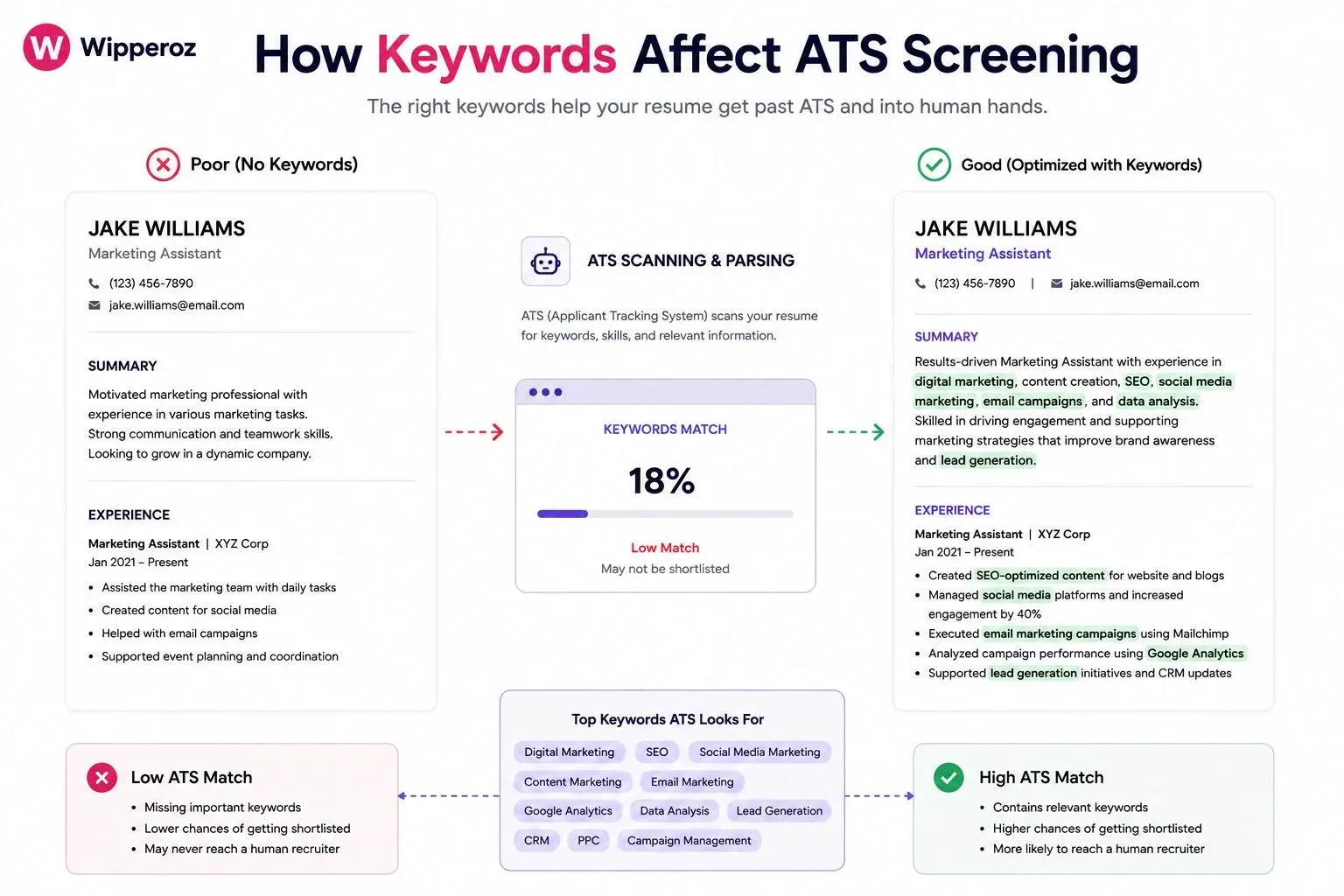
A clean template gets you parsed. Keywords get you ranked. Here’s the 15-minute process that beats 90% of applicants:
- Reverse-engineer the job description. Paste it into a doc and highlight every skill, tool, qualification, and job title. These are your target keywords — the ATS is often configured to search for these exact terms.
- Mirror the exact phrasing. If the posting says “project management,” write “project management” — not “managed projects.” Include both the acronym and the full term the first time: “search engine optimization (SEO).”
- Place keywords where they carry weight. The professional summary, the skills section, and your two most recent roles get scanned hardest. Spread terms naturally across all three.
- Balance hard and soft skills. Hard skills (tools, certifications, languages) do the ATS heavy lifting. Soft skills (leadership, communication) matter to the human reading afterward — prove them inside achievement bullets rather than listing them.
- Don’t stuff. Repeating a keyword eight times doesn’t multiply your score, and any recruiter can spot a white-text keyword block. Relevance and placement beat raw frequency.
Tailor this for every application. The same generic resume sent to twenty postings will lose to a tailored one every time, because every job description carries different target terms.
6. How to Check Your Resume Passes ATS Before You Apply
Sixty seconds of testing saves weeks of silence:
- The copy-paste test. Select all the text in your finished resume and paste it into a plain-text editor. If everything appears in the right order with nothing missing, parsers will read it the same way. If sections vanish or scramble, fix the layout.
- Run a free ATS checker. Tools like Jobscan and Resume Worded’s scanner compare your resume against a job description and return a match rate. Aim for 70%+ on the roles you care about.
- Watch your response rate. If you’ve sent 15+ tailored applications with zero callbacks, the problem is usually content, not parsing — sharpen your achievements and keyword match before blaming the ATS.
Every Wipperoz template passes the copy-paste test out of the box, because the structure is locked to be parser-safe. You edit the words; the formatting can’t break.
7. Past the Bot Is Only Half the Battle — Winning the Human
Here’s what no template site tells you: once you pass the ATS, you land in a shortlist where every resume looks the same — because everyone optimized for the same parser. Same single column, same headings, same Calibri. At that point the template stops differentiating you. You do.
That’s the layer Wipperoz was built for. Alongside your ATS-friendly resume, you record a short video resume — 60–90 seconds of you explaining what you do and why you’re good at it. Recruiters shortlist the resume; they remember the person. A hiring manager choosing between five parsed-and-ranked PDFs and one candidate they’ve already seen speak isn’t really choosing.
The workflow is simple:
- Sign up free and pick an ATS-friendly template.
- Fill it in with the keyword process above — the structure stays parser-safe no matter what you edit.
- Record your video resume and share both with one link.
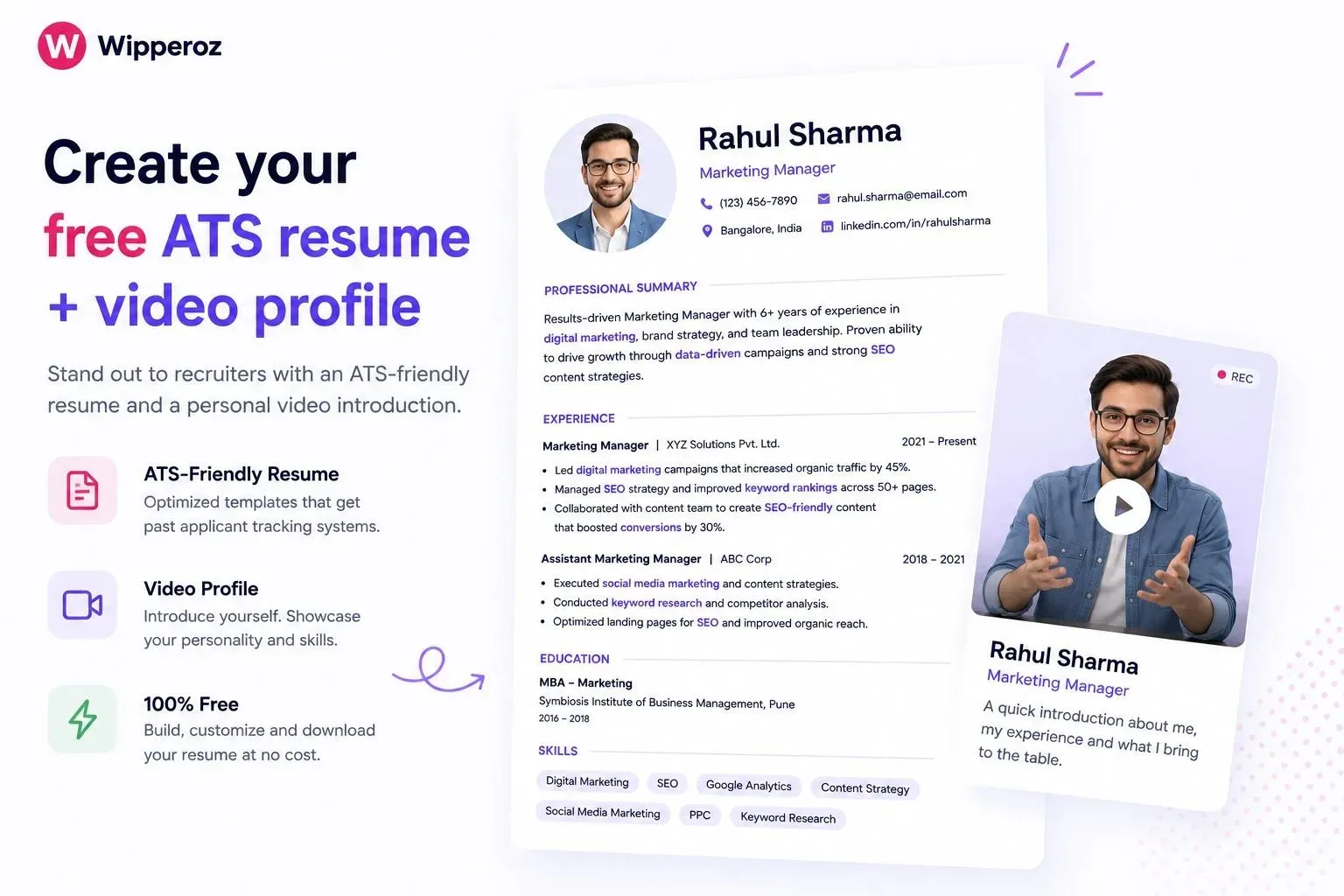
Ready to get past the software and in front of the human? Sign up free at Wipperoz → — ATS-friendly templates plus the video resume that makes you the candidate they remember.
Common Questions
i. Is PDF or Word better for ATS systems?
.docx is the safest universal format — every ATS parses it reliably. Text-based PDFs work in most modern systems but can fail in older ones. If the job posting specifies a format, always follow it.
ii. Do ATS systems read tables and columns?
Unreliably, which is why you should avoid both. Tables and multi-column layouts scramble the reading order during parsing, so your work history can be reconstructed out of sequence or dropped entirely. Single-column layouts parse correctly every time.
iii. Can I use color on an ATS-friendly resume?
Yes, sparingly. ATS software reads text, not color, so a dark accent on headings won't hurt parsing. Keep body text black or nearblack for the human reader, and never rely on color alone to convey information.
iv. How long should an ATS-friendly resume be?
One page for freshers and early-career candidates; up to two pages once you have 8–10 years of relevant experience. Length doesn't affect parsing — but relevance affects ranking, so cut anything that doesn't match the target role.
v. Do free ATS resume templates actually work?
Yes — ATS compatibility comes from structure, not price. A free template with a single column, standard headings, and clean text parses exactly as well as a paid one. What you fill it with matters far more than what it cost.
vi. Should I use the same resume for every job application?
No. ATS ranking is keyword-driven and every job description carries different target terms. Keep one master resume, then tailor the summary, skills, and recent bullets to each posting — 10 minutes of tailoring routinely doubles response rates.
If you're comparing resume formats, explore video resume builder in Australia.
Ready to create your Virtual CV?
Join the people who stopped sending PDF resumes and started being seen.